I just ordered a new 14-inch MacBook Pro with PROLED XDR Display in Space Black
M5 Max chip: 18-core CPU, 32-core GPU, 16-core Neural Engine
36GB unified memory
2TB storage
Boy, the prices sure have gone up!
I’m near the front of the line so I should receive it by the 23rd, if not sooner.
Looking forward to the new screen. I don’t care about touch, but I do care for the quality equivalent to the iPad Pro I have.
@jacobio and @Jimbo I have had a MBP and two iPad Pros (13" and 11") for years. The new OLED MBP is merely replacing the 2021 MBP.
Regarding the experiment, I can complete 98% of my tasks on the iPad. For my workflow, I have not faced insurmountable barriers to working on the iPad, though it can sometimes be inefficient and frustrating compared to using the MBP.
That said, I am gradually reaching a few conclusions. 1) Although I enjoy the 13" iPad, it may be the least viable choice. It can act as a “laptop,” but iPadOS lacks the capability and fluidity of a true laptop. 2) It is uncomfortable as a tablet. In other words, it is neither an ideal laptop nor tablet. By contrast, the 11" is an excellent tablet and can serve as a laptop, yet it is too small for sustained complex work in that role and shares the same OS constraints.
The Duo’s arrival offers another option unavailable when I began the experiment. It is possible the Duo could function as a hybrid phone/tablet that, paired with the MBP, gives me two devices instead of three (MBP, iPad, and iPhone) and the best of all worlds. I am unlikely to buy a first-generation Duo, but I will consider a second generation if reviews are positive and the hardware proves reliable under normal use.
The iPad experiment will extend through the end of December. At this stage, I expect to rely on the MBP as my main computer and a Duo as a possible hybrid phone/tablet.
Even if the MBP becomes my primary device, the experiment has been valuable. I have gained skill in handling relatively complex tasks on the iPad and have learned the nuances of using it effectively, if not always efficiently. The iPad is more capable than most people recognize, particularly with recent iPadOS updates.
The experiment is accomplishing its intended purpose.
I find it mind-bending that memory and storage prices have sky-rocketed as the hardware is being channelled straight into data centres to support remote, frontier LLMs.
But then, risibly, the “smart thinking,” is that you then really need to ensure you “spec-up” on processing and memory to ensure your new and shiny purchase can whiz through with local AI models, too. So, take the AI financial hit, not just the once, but twice.
I’ve been a Mac user since 2004. I’ve always been somewhat conflicted with “Mac Power Users,” being conflated with “Mac Power Consumers.” And that inner-tension only seems to be getting worse for me.
I lack the necessary technical knowledge to run a local LLM. I could learn to do so, but I do not have the inclination. Though I don’t plan to run local LLMs, I’m hoping that my configuration will serve me for many years to come!
Interesting choice of CPU/RAM/SSD mix. Highest power/modest workspace/large storage. The mix suggests you wanted maximum power to edit one-at-a-time over a large, internally-stored inventory collection of small-size media files. All while writing informative tomes in screen-share mode on your iPad.
For comparison, my purchase two months ago: 16in MBP/XDR screen/M5 Pro/48GB/1TB. Screen size and RAM size were important, CPU power and SSD space only modestly so.
The first PC I used ran DOS 2.0. Now I look at what is available today with Meta’s Muse and think that most people will never need to download an AI model. There is already “an app for that”.
Well, unless you are running local models, I can only assume someone would have to have very specific/highly-intensive work needs to justify the processing power /RAM of these machines and their utterly eye-watering associated price tags.
It is certainly more machine than I require. In truth, an MBA would not be enough for my needs. The screen is the issue. My vision has reached a stage where even my current M1 MBP display offers less contrast and brightness than I need. That was a factor in my iPad Pro experiment, since its screen is ideal. When Apple announced the MBP with PROLED XDR Display, I expected it to match my iPad Pro. Another issue is the limited spec options. Because I needed the MBP to last at least five years, and I expect that AI and other features will demand more RAM, not less, going forward, I chose 36GB, which pushed me toward the higher-end model. I am paying more than necessary, but I expect I will not regret the choice in five years. I should also note that I received nearly $2,000 for my current MBP and 13" iPad Pro, both in mint condition. That helped with the cost.
Very cool. Pardon my friendly ribbing. I, too, have all the devices, but have made peace with doing most of my work on a Mac. My 13" iPad is great for filling in the gap in a pinch when I need to get work done when mobile. One exception, though, is that I prefer to do my weekly review in OmniFocus on the iPad. There’s something about its constraints that I find helpful when completing this chore.
Thanks again for sharing your journey, @Bmosbacker, and congrats on the new MBP!
I’m getting there, or given what I just paid, I’d better! I have retained the 11" iPad Pro. But, it too may go if I come to the conclusion that the Duo can serve adequately as an “iPad mini” for reading.
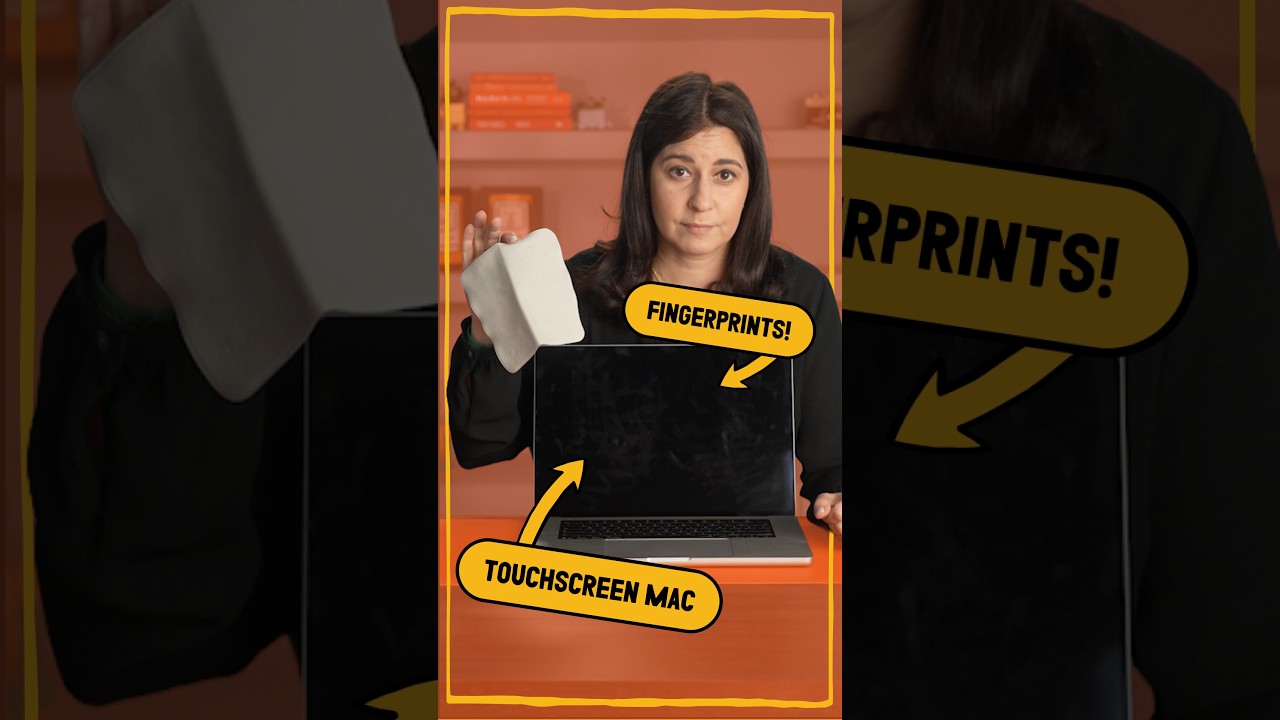
For the record, I have no intention of using the touch feature. I am proficient with the keyboard and trackpad. I cannot come up with a reason why I’d want to reach up and touch a vertical laptop screen. In fact, I only touch the iPad screen when in tablet mode, never when the Magic Keyboard is attached. So, I don’t anticipate fingerprints.