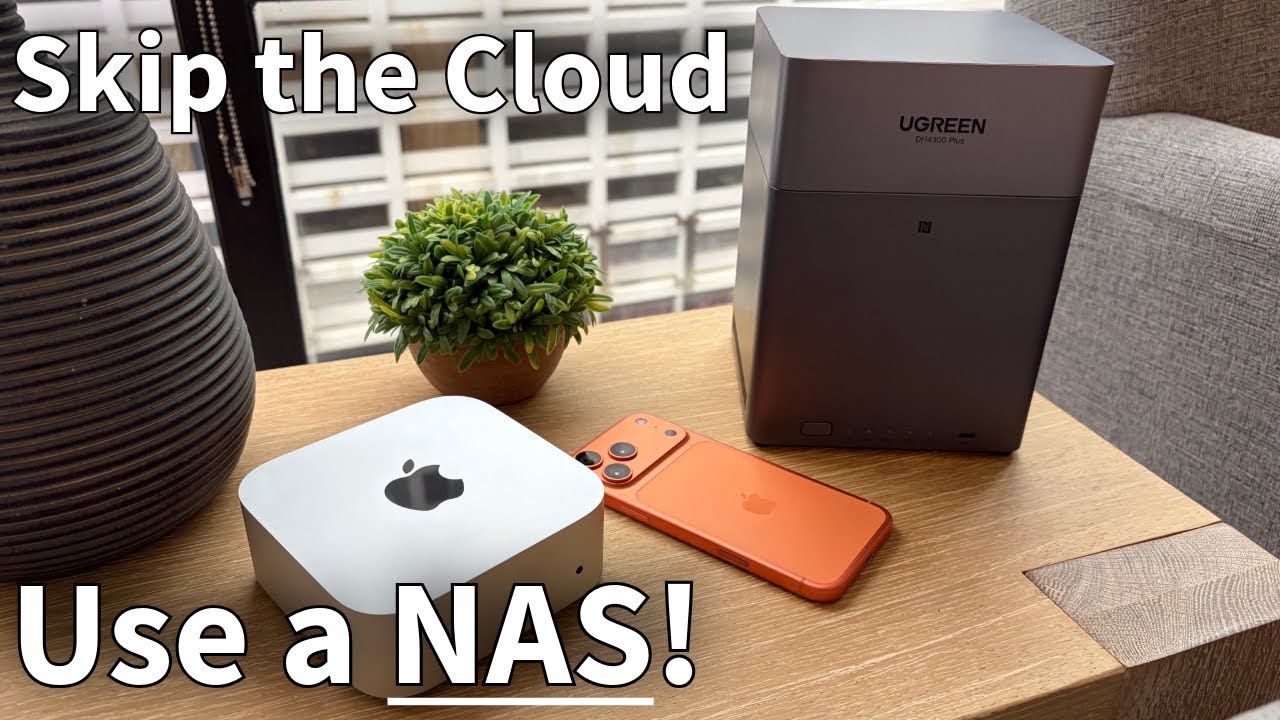
I have never used a NAS before, and it has always seemed intimidating. However, I came across a video by Tech Dad that piqued my interest. My interest is further fueled by the fact that I recently subscribed to Google Drive as an additional storage and backup system. If I could use a NAS, in the long run I would save money and benefit from much faster speeds.
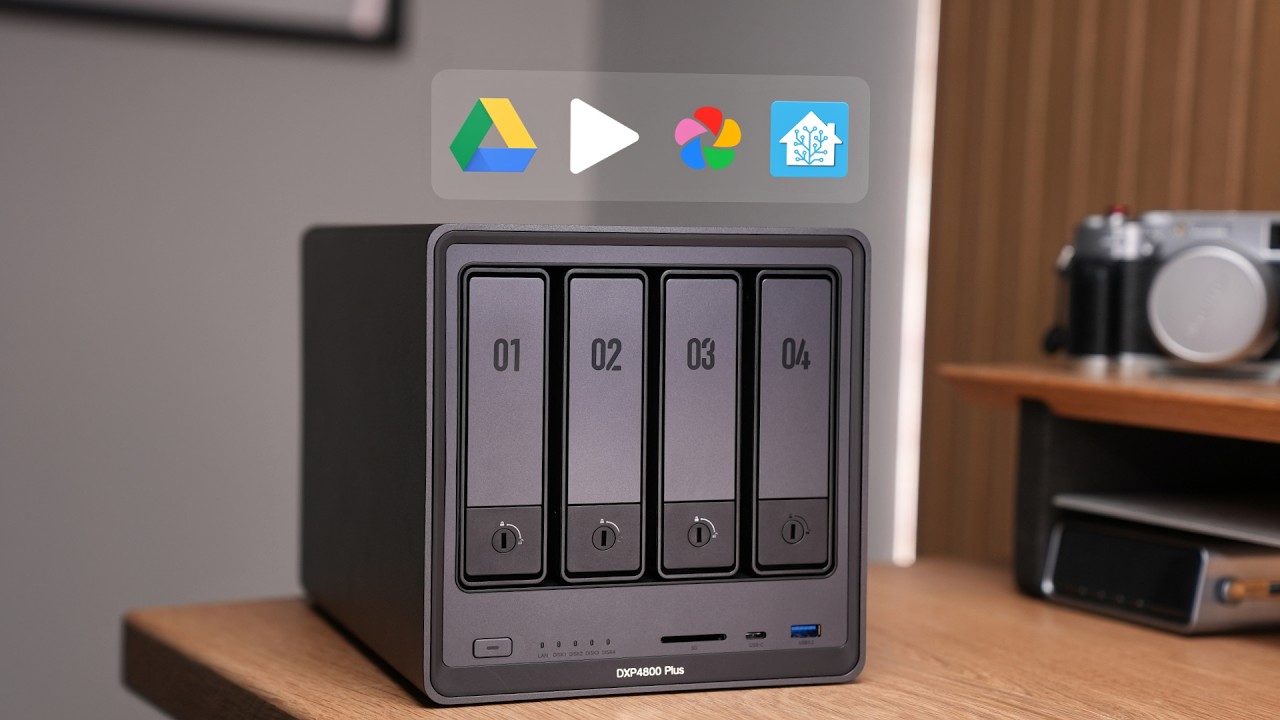
I would love to hear your advice on using a NAS in general and specifically about the UGREEN NAS. Keep in mind that, other than installing a mesh network, I have no experience with NAS and local networking.
Any advice you can offer would be greatly appreciated. Thanks!
Unless you’re using outrageous amounts of cloud storage, I don’t see how you save money either.
I’ve had a NAS for more than a decade. It’s been very reliable but the unit wasn’t cheap (replaced it once after about 12 years), the drives are not cheap (replaced several over the lifetime of the device) and you still have to pay to back up the NAS somewhere (cloud or local) unless you’re just willing to lose that data if something breaks.
Cloud storage is (generally) worth the price for convenience, someone else managing the security and uptime, and someone else managing the data protection.
This a slight change of direction but I have also been looking at NAS’s mindful of the fact my venerable TimeCapsule home backup storage will cease working with the next OS. I thought this might be an FAQ but haven’t found any discussion elsewhere on the forum. A NAS (UGREEN or Synology e.g. DiskStation DS223j is clearly capable of acting as a TimeCapsule replacement, but it does seem expensive and possibly overkill if this role is all I need it for. Any thoughts or comments would be appreciated
Do you really need a NAS to do what you want to do?
I ditched mine for a bunch of external drives mounted in two four-bay thunderbolt external disk enclosures, and have never looked back. The NAS itself wasn’t cheap and running it required more cognitive overhead than the tasks at hand required. A four-bay UGREEN NAS costs around $500-$550—and that’s before you put the disks in it. A 2TB SSD to put in one of those slots will cost around $250. So you’d be paying $1500 for the NAS + SSDs. That’s a lot of years of cloud storage. (I know nothing about the UGREEN NAS itself.)
I don’t know what you’re paying for Google Drive, but a Google One / Google AI Pro subscription at $20 per month comes with 2TB of Google drive storage. Just sayin’.
Any cloud storage provider has infrastructure that provides you Encryption, Security, multiple copies of your data backed up at multiple regions to provide reliable access 24x7 any where you are in the world. They provide disaster recovery, ensure that your data is always reliable and intact.
Imagine you replicating that all by yourself with a NAS. It will never scale up. If you just need to access your data out of your home network you are already plugging a hole in your network. Without proper understanding you never know how much you have opened the doors.
What cloud providers invest in the service to be offered and rhey charge is peanuts when compared to the self hosted solution. Unless you are technically savvy and know what you are doing.
If you need a moderate amount of larger storage (8 TB to 20 TB), and don’t need simultaneous access from multiple computers/systems on your home network (aka the “N” in NAS), consider a single large external hard drive.
Since I hate WD (because of their fraud and customer service issues - discussion for another day), when faced with GAS (gear acquisition syndrome) and FOMO, I bought a WD external 24 TB USB drive.
For backup, I simply use Backblaze as it it permanently attached to my Mac, and I already had a BB subscription.
For redundancy, I simply bought. second unit, and occasionally, around every 14 days, I connect it up and use CCC (carbon copy cloner) to update it.
Since I needed a bit more storage, but contents doesn’t change much, and I don’t access it frequently, the price/performance a spinning disk is fine and the zero cognitive overhead of learning and maintaining a NAS operating system is a big win for me.
I have a similar set up, but instead of one big drive, I have eight smaller ones in two thunderbolt enclosures. Everything is backed up to Backblaze, and it’s saved my bacon more than once. I also use cloud storage for things I need to access from more than one device or that I need to give family, friends, and colleagues access to.
At this point in my life I have more money than time; I’m happy to spend the former to avoid squandering the latter on drudgery I can offload onto someone else. I’m sure that there are folks who enjoy building and maintaining DIY networks, but I’m not one of them.
We’ve been using NAS systems for decades. Never UGREEN ones though. They route through China and IMO would be a severe security risk.
NAS systems can be more secure than any cloud system. It all depends on how you set them up. They can be one of the backup options. They can be set up to mirror drives so that any single drive failure won’t cause data loss. As to cost, I’d have to check but I believe that over the years even with buying new ones and new drives they are still cheaper than equivalent cloud storage with the exception of Amazon Glacier storage which can be very cost effective. The biggest expense for us has been the UPS systems they are connected to.
We have over 10 computers on the network using it for one of our multiple backups and sharing data between the systems on our local network.
iCloud serves as my primary sync layer, though I recognize it functions more as synchronization than true backup. Everything stored in iCloud remains downloaded to my hard drive, which I back up weekly to two separate external drives: one at home, another at work.
Every six months I duplicate, compress, and upload my Pages, Keynote, and Numbers folders to Google Drive. Because I rely solely on Apple’s default applications for documents, presentations, and spreadsheets, this practice captures most of my active work.
Every two weeks I export the latest Ulysses backup (which Ulysses stores locally on each device) and copy it to both external drives and upload it to Google Drive. I’m only using Ulysses for my book project.
I have cancelled my BackBlaze subscription, as the redundancy in this routine makes that addition unnecessary. This is particularly true because I’m currently experimenting with using my iPad for nearly all work. In fact, since the release of iPadOS 26.x, I have rarely touched my laptop except for my backup routine.
My maximum exposure is one week for most work (until the next external drive backup) and up to six months for specific application folders. The weekly backup seems reasonable given the multiple layers of protection, though perhaps I should shorten the six-month interval for Google Drive to three months.
For my iPad-primary workflow, my system seems sound, though admittedly very manual. I suppose the main question is whether I want to reduce my exposure window by uploading to Google Drive more frequently or exploring whether there are iPad-compatible cloud backup solutions beyond iCloud itself.
I think my iPad-centric workflow changes the normal backup regimen that is normally suggested.
Probably not. I was thinking of it only as a backup system. I foolishly (I have no experience with NAS setups) did not realize it needed to be on my network and exposed to the Internet. I was thinking I’d connect my MBP and/ or iPad to it for redundant mirroring and backups, but though a bit clunky, my current backup strategy is probably sufficient.
The older I get, the more I’m willing to adopt—and pay for—“set it and forget it” systems, because the sad reality is that I will, at some point, forget it. It might be because of the sad toll aging takes on our mental acuity; it might be because I become incapacitated in some graver way; it might be because of the stresses of a crisis or family emergency—but it’s going to happen.
And in fact, the latter already has happened, and more than once. Future me thanked past me for things like setting up automatic payment for all the important bills; for setting up a robust reminder system for important due dates; for paying for cloud storage for files I needed to access remotely or share, and yes, for Backblaze to keep all the family hard drives backed up.
Roll-your-own systems can be satisfying (and even fun) to set up and manage, but it’s important to ask yourself if they will survive first contact with even a minor calamity.
If you do not use Google Drive for Desktop to keep your files synced to your Mac, you have the option of using Arqbackup to back up your iCloud and other files to Google Drive, should you ever want to.
Also, there have been times, when traveling, that I didn’t have bandwidth to upload files and/or photos for days. Now I always keep a couple of encrypted thumb drives with me so I can backup my iPad/iPhone. And have the option of “uploading them to my house” using the mail or FedEX, etc.
I once lost 3 days of company data a long time ago. After that I tried, and thankfully succeeded, to never let it happen again, on the job.
Today when I take a photo it is automatically uploaded to iCloud and Google Photos. iPad Safari is set to download to iCloud, and all iCloud folders containing files are set to ‘keep downloaded’ on my Mac. My Google Drive folders sync to an external drive on my Mac.
Once an hour Arqbackup backs up everything on my Mac to Backblaze B2 and to an external drive, and Time Machine backs up to a separate external drive.
I regularly do test restores of backed up files. And every 60 days Google creates an export of everything for me to download.
Honestly, for $10 a month, Backblaze will back up your device wherever you are, with as much data as wish, you can restore files from anywhere, and backups are offsite.
I think it’s a far better option unless:
you have multiple devices you wish to back
you need instant restore of large files
you have real concerns about your data being in someone else’s hands
you have another way to back up your data offsite.
Backblaze computer backup is software and unlimited storage, with 1 year version history, for $99/year. Backblaze B2 is just storage. $6/month per 1TB.
Arqbackup is just backup software that you use with your local storage or network share. And/or with Amazon Web Services, Backblaze B2, Dropbox, Filebase, Google Cloud, Google Drive, OneDrive, Polycloud, SharePoint, SFTP SFTP, Wasabi, or any S3 Compatible Server.
For $50/year, plus the cost of your choice of cloud storage.
Arqbackup Premium is $60/year for software and 1TB of storage.
I use Arqbackup with Backblaze B2, and a local drive, which allows me to recover files for as many years back as I want, for $6/TB/month as my backup grows. And the cost of local drives which I replace when they get full, rather than erase.
I have thousands of files but don’t require a ton of storage, and Arq allows me to thin my backups as they age.
If your data to back up is Gigabytes in size then it is probably both practical and cost-effective to use cloud backup.
If your data is multi-terabytes in size then it is probably both more pracdtiacl and cost-effective to use a NAS drive.
Beware though that a NAS drive does not solve the issue of a local disaster impacting your computer such as flood, fire, or theft. For a NAS to truly be a solid backup ideally it should be located offsite from your computer, such as home vs office.
The ultimate backup is having a NAS drive both at home and in the office with sync software backing up each NAS to the other.
 my iPad-centric workflow changes the normal backup regimen that is normally suggested.