Apple Contacts is Terrible. Are There Better Options for Mac & iOS?

Yeah, I do contribute to this forum “occasionally” :grinning:

When my company’s home office started sending us IBM PCs in the 80’s, my boss put me in charge of his. It had a card that allowed a user to switch the PC into a dumb terminal connected to our out of state mainframe. And I discovered it was linked to some remote storage.

I called one of our techs and we worked out a way that we could download reports that currently were only available as hard copy printouts. From then on we imported those reports into Lotus 123 and eliminated the need to enter the data manually.

I’ve always enjoyed helping people find solutions.

I’ve been a Gmail user since the beginning and started using the business apps several years ago. GW works for me because everything is designed to work together.

Creating a task (reminder) from an email is a single click when using the browser, or the Gmail app on iOS/iPadOS. I can do the same in Sheets or Docs in the browser. All my data, spreadsheets, docs, pdfs, etc. has a link right there in the address bar. But Google Tasks does not offer location based notifications, so I use Apple Reminders for that.

And because I have a business standard account I can use the Cloud Search feature to search basically everything in my account, Gmail messages, Google Drive files (Docs, Sheets, Slides, even PDFs), Google Calendar events, and Contacts with one query.

I use GW because it makes my life easier. It’s the main reason I can use an iPad as my primary computer.

Over 90% of startups and over 60% of mid-sized companies in the United States use Gmail. It has over 1.8 billion monthly active users globally so I figure several people on this forum might be users. But may not be well acquainted with anything other than email.

2 Likes

We use Google Workspace and Microsoft Office 365 at work. I’ve looked at Google Tasks, but it seems like a pretty straightforward system, so I’m not sure it’ll be enough for my project management needs. Have you used it for bigger projects, or more complicated ones with multiple projects?

1 Like

If you are keeping tabs. I”m on the Pages, Notes, Reminders, Maps, Apple Music, and Safari DO NOT SUCK ledger. My whole knowledgebase is in Apple Notes and I use it practically all day every day. I love Apple Notes. I was a long-time OmniFocus user but switched to Apple Reminders several years ago and that has been working quite well, too.

Word is definitely miserable, but I don’t think that’s Apple’s fault.

I don’t think contacts itself sucks. I think they introduced a huge bug that messed with the database and I think that is shamefully to treat important data like robust contacts information so recklessly. In my mind, there is no excuse for bugs causing data loss like this. I also think, contacts could benefit from some loving attention.

I will also go on record and say that I really like Liquid Glass, Tahoe, and iPadOS 26. There have been some bumps along the way, and I hope the update to iPadOS 27 focuses on making everything rock solid.

5 Likes

No. Most of my big projects happened earlier in my career. When I set up the manufacturing system for a new factory in Mexico I used paper lists and white boards. And years later I used Busycal and BusyContacts to keep track of a 16 month parade of technicians during a major upgrade of hardware and services at a different company.

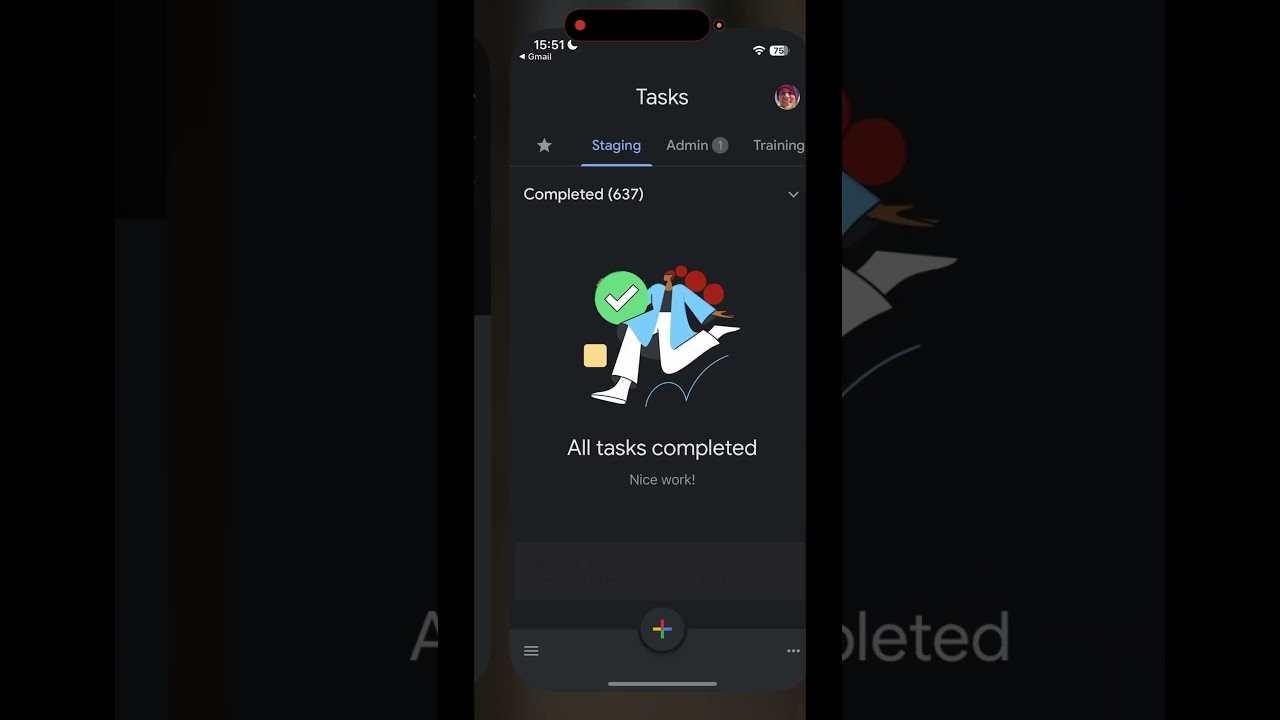
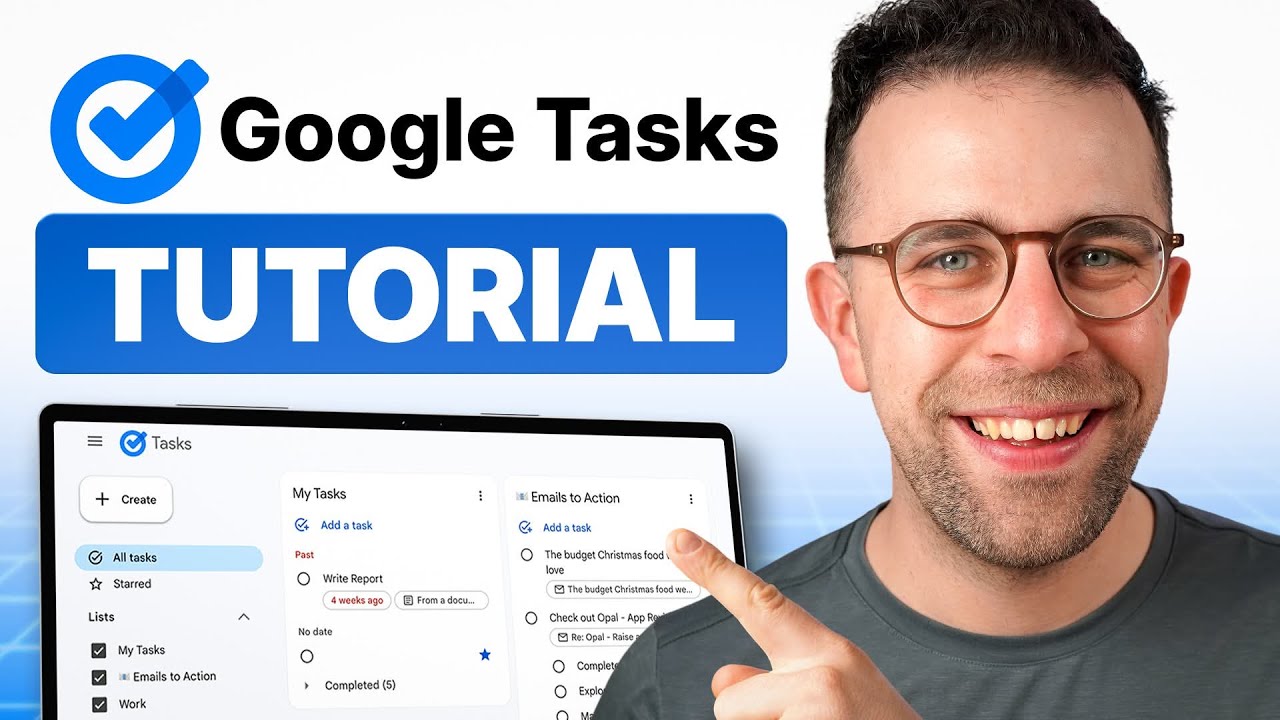
Google Tasks is pretty basic but does have a kanban view available in Google Calendar. And it can be embedded into other documents.

If you are a Google Chrome user it is available as a standalone Chrome app.

As one who uses Apple’s default apps extensively, I agree. They are well designed and robust enough to meet most of my needs. And I also like Liquid Glass. Given the overall quality of Apple’s other apps, I am surprised that Contacts is the outlier.

1 Like

I’m not keeping tabs. Haha. I’m in the same camp as you. I only use the default apps. Apple makes these apps for the vast majority of their users. Those on the power user side, like a lot in here, probably need more. That’s fine as well.

2 Likes

Since you like going down rabbit holes, like a few of others here including myself, you might want to make yourself aware of Smart Chips, Building Blocks and some of the other cool recent productivity tools Google has introduced. Could possibly turbocharge a persons output

1 Like

If you want to stay away from Google, Fastmail is well worth considering. I’ve been using it for years — it started as a straightforward email alternative, but has since grown to include a solid calendar and contacts module. It’s been rock solid throughout.

One thing worth keeping in mind: with Fastmail, you’re a paying customer. With Google, you’re the product.

4 Likes

Thank you. After watching the video, GT will not meet my needs. I have too many large projects requiring more complex task management features. I also don’t want to live in my browser. However, this may be perfect for my EA, so I’m going to share the video with her.

1 Like

Never! I only crawl to the edge and look down. :rofl::wink:

Seriously, I was not aware of that feature. I’ll check it out, thanks.

@arievanboxel If you are a Google Workspace paying customer then you are not the product.

2 Likes

What would make contacts better on iOS?

Finally made the jump and did a Fastmail family account with custom domains. My wife still has so much muscle memory for Google though it’s getting people off of the static patterns they grew accustomed to.

With Fastmail I don’t have to constantly retrieve emails from companies i’ve been on the mailing list for years that end up in the SPAM list.

Gruber pointed to an interesting blog post about how Hostile online information gathering has become. We are systematically being trained to withstand poor user experiences in the hope that any modicum of respect shown should entail monitization.

My wife works in eCommerce and often I’ll ask her “what incentive do you all really have to improve your services when people repeatedly show they’ll withstand abuse if the price is right?”

3 Likes

A combination of NetNewsWire and GoodLinks can improve things considerably.

1 Like

… and also an ad blocker of your choice.

AP News is surprisingly good once all the ads and popups are gone.

2 Likes

I’m finally using Goodlinks like I should and I’ve just added Anybox for general stuff and Goodlinks for the Read It Later. I used to subscribe to a mountain of RSS feeds but now I really want to follow more intentional feeds and avoid the content farms that push out too much low quality stuff.

1 Like

I’ve loved Interact by Agile Tortoise
Doesn’t seem like it works anymore.

Interact Scratchpad was updated a couple of weeks ago. It’s not a full contact manager as Interact was but is a good way of picking up details from email signatures and other places to add to Contacts, automatically classifying information where it can in to the appropriate Contacts fields. It is only available on Mac.

Drafts forum update on Interact Scratchpad by AgileTortoise

Also worth noting that Google has Apps Script. Perhaps once the domain of developer-types, LLMs have democratised this substantially. Apps Script opens up myriad opportunities for both automation within and integration outside of Workspace. I’ve said this before, but with LLMs you can either explore how to offload the work to them to do or tap into them for making efficiencies with your existing tools. LLMs writing Apps script is a perfect example of the latter.

3 Likes

I’m another satisfied BusyContacts user. The amount of information it offers for individual contacts is amazing. I have most of the additional fields selected, because I get so much use out of them.

I don’t know if anyone else remembers or experienced this, but around April 2024 iCloud experienced an outage for a couple of days, locking users out of their accounts. Typical Apple, it got no direct acknowledgement from Apple, but a fix rolled out about 3 or 4 days later, and it was all okay. I remember vividly, because I had just landed in Europe, around 16000 km away from my backed-up computers etc, and was locked out of my calendars and contacts while we were travelling.

I had been planning to do something about this, and that spurred me on. I migrated to Fastmail, and use that for all our contacts.

And, in combination with Fastmail’s shared contacts feature, I’ve been able to finally crack how to share our contacts across the family. Here’s how…but, a word of caution: BACK UP YOUR CONTACTS before you change anything. I learnt first-hand that moving my contacts from personal to shared contacts will strip out some of the extra info you can put in BusyContacts that are not standard cardDAV fields — like relationships between contacts, and dates of death — so having a backup from BusyContacts was…well, life saver might be putting it too highly, but geez I was glad I did.

So, here’s the setup.

Again, I can’t stress enough: BACK UP YOUR CONTACTS before you change anything. Move your existing contacts from your personal to shared address book in Fastmail. (Or, it might easier to just delete them, and upload your backup to the shared address book, so you get all the extra fields that BusyContacts stores. Fastmail doesn’t reveal them in its web interface, but it will sync them.)

Enable iCloud Contacts for all users (but each iCloud account has only one contact: the “My Card” or “me” for that device)

  • Go to settings > my info and select the user name in iCloud contacts (This becomes the “My Card” in the contacts app, and in Siri.)

Install Fastmail configuration profiles for each family member (each iOS device gets primary-account access to that user’s Fastmail email, calendars, and tasks)

  • For iOS/iPadOS devices, the configuration profile is for email, calendars, and contacts
  • For Mac, the configuration profile is for email and calendars only[1]

Shared Contacts configuration

  • On iOS/iPadOS: shared contacts appear automatically via the Fastmail profile
  • On Mac: manually add the Fastmail Shared Contacts CardDAV accounts as per Fastmail support to ensure shared contacts sync correctly on macOS
  • Ensure Settings → Contacts → Default Account is set to Fastmail (on iOS) or Fastmail CalDAV account (on Mac)

It’s a little convoluted to set it up. And Fastmail support will tell you they don’t support this or have any advice on how to achieve it. It took me a bit of trial and error and contemplation before I sorted it out. But it’s been rock-solid since; no problems with Siri becoming confused about who “me” is; no problems with shared contacts getting out of sync.

And I was even able to get Claude to write me an Apple script to go through all my contacts, update things like the abbreviations for the States to make them uniform, and remove the spaces I had manually put in phone numbers so the numbers conform to the E.164 full international format with country code (e.g. +61…) because BusyContacts allows setting the applicable country display format for phone numbers (and physical addresses), and then the numbers work correctly with Alfred actions!

  1. On macOS, Fastmail shared contacts do not sync via the Fastmail profile; you must manually add the shared contact sets as separate CardDAV accounts per Fastmail support article. ↩︎

2 Likes