Dear Brains Trust,
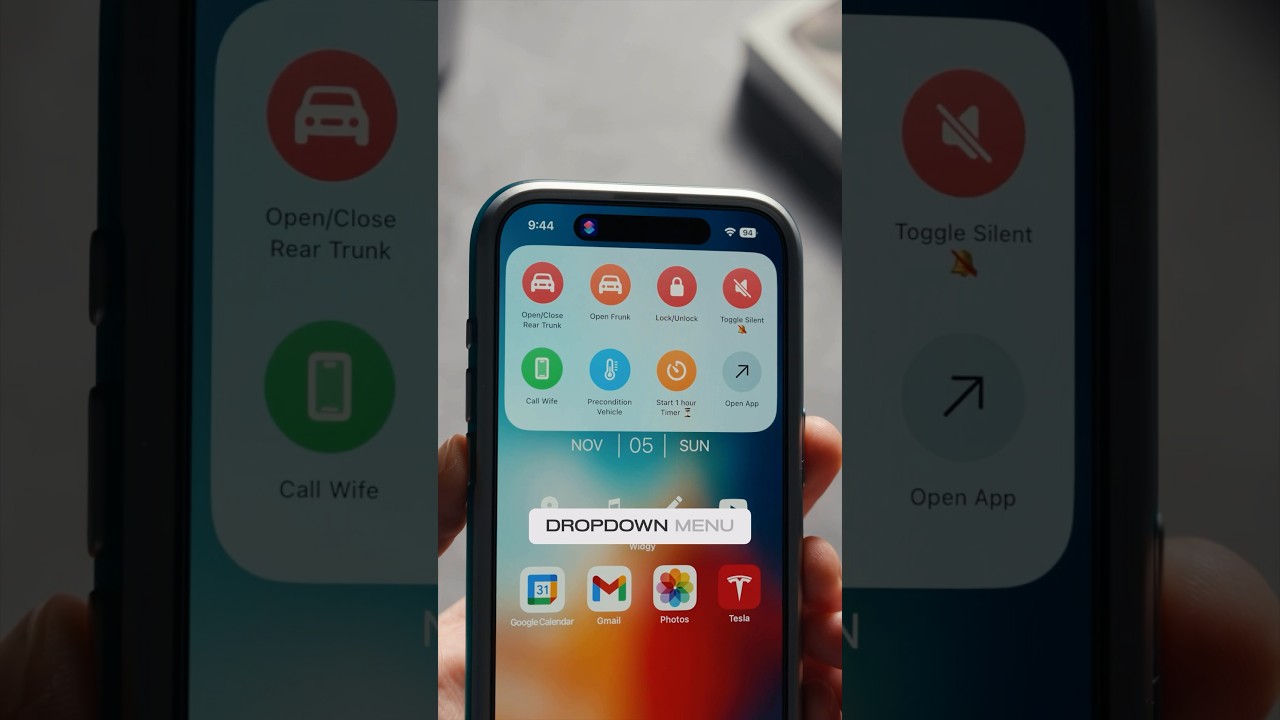
Is there a simple (no coding required) way to select an app and create a shortcut widget which I could then add to a widget stack in IpadOS26?
I would like to create a simple widget stack, comprised of widgets (shortcuts) to apps that don’t appear in the Widget offerings in IpadOS26.
Ideally, the app widgets I want to use would already be in the available widgets in Ipados26 like kindle, word etc but for my more obscure apps like a specialised language app, they dont exist.
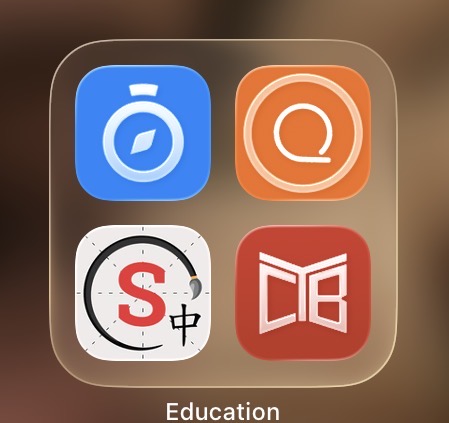
I am trying to make some or my more obscure apps into a widget and then create a stack rather than bundle into a larger App icon bundle with title. See photo attached
I found a few webpages which promise to do so but all turn out to be simple instructions how to add/remove existing widgets to a stack, or require coding.
Any insights would be appreciated.
Thabks
 Thanks. Will give it a go.