Speaking of subscriptions,
What I really like is the way MailMaven or Moom do their license. You buy the software and get one year of updates. After that, if you choose, you buy another year of maintenance. If you choose not to do so, you are free to use the existing version indefinitely. That way the choice is at the customer’s hand. A year or two later if you want a new feature, then pay a year to get it and stop after that.
Even that is not always true. Skylum’s Luminar Neo continues to work after you cancel your plan. You just get no updates. Even Adobe Lightroom partially works without a paid plan, precisely because they got lambasted about taking away people’s access to their libraries.
The trick to all this is really simple. Talk about specifics, not general terms. Complain about iCloud+ or Creative Cloud or 1Password. Not “subscriptions and rentals”.
1 Like
I agree with the point you are making, but to an extent, I did. I could have been more specific, but I did write:
By “own” I meant not paying a subscription to continue using the app. If you stop paying, you can no longer use Microsoft Office, Ulysses, and many other applications.”
1 Like
For someone who apparently is late to the party, whats the main usecase of draft?
Is it a Tot/Antinote (quick note/postit) alternative, is it a Apple Notes/Obsidian alternative?
I feel like I should be using it, but dont understand where 
The Drafts webpage will give you a good overview.
You may find this video helpful:
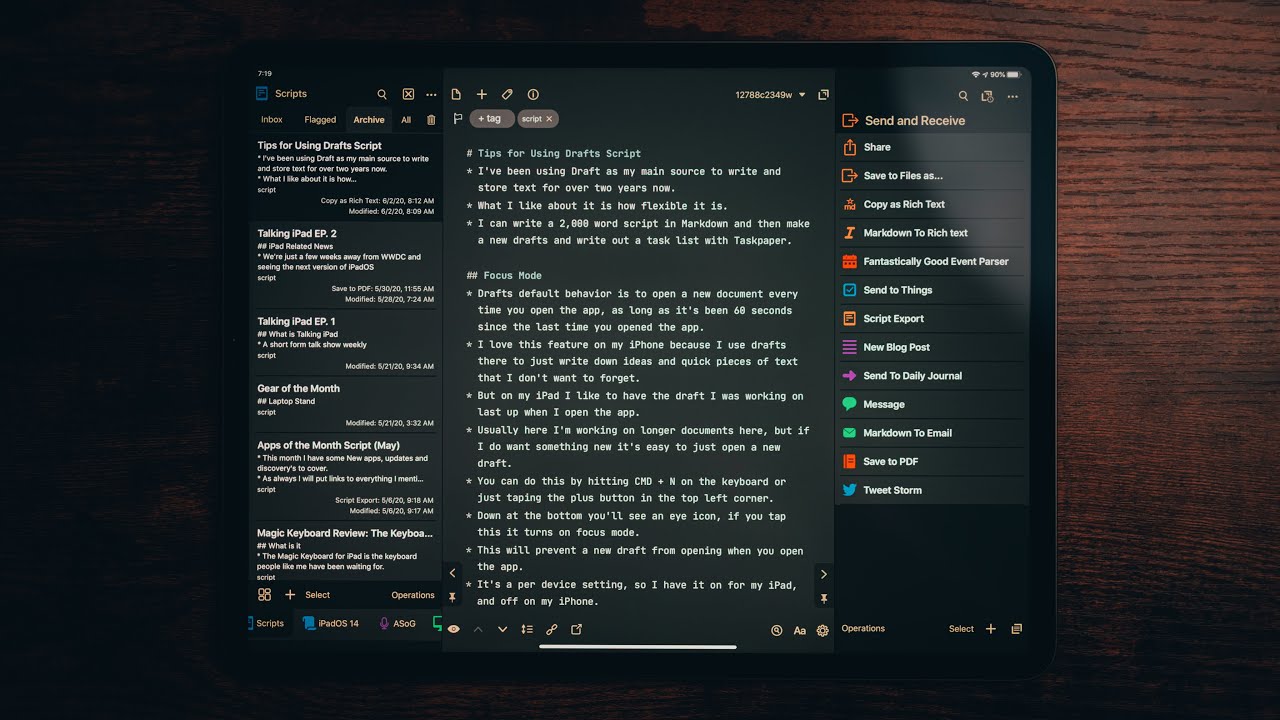
This video is a little dated and may provide more information than you want, but I believe you will find it helpful.
Essentially, you can write in Drafts and then do almost anything with the draft text through actions. I highly recommend it.
1 Like
Drafts is where I do most of my “everyday” writing: emails, letters, memos, forum posts, quick notes, you name it. Once something’s written—or at least well begun—I export it to wherever it needs to go using one of Drafts’ myriad Actions.
It’s often the place where I paste something that I’ve copied onto my clipboard. I tidy it up as needed and send it where it needs to go.
Actions are what makes Drafts the great tool that it is. There’s an Action to export your text to just about any app. (I have Actions that send my text to Obsidian, NotePlan, DEVONthink, Gmail, and more.) There are Actions that help format, manipulate, and clean up text. There’s bring-your-own-API AI integration if you want it.
Until Gemini became the better tool for this, I used Drafts on my iPhone to scan printed matter and import it as text.
I wouldn’t use Drafts for long-form writing and I wouldn’t use it as a place to store notes, however.
1 Like
Barret, It’s entertaining to watch your long-running battle with subscriptions. It’s nice to see you subscribe when it makes sense to you. I think we all do that
2 Likes
So, are you always deleting what’s in Drafts after you’ve worked with it?
Can you use an Action to send texts to two places at once? For instance, could you send a draft to an Apple Notes folder to save it and also send it to the forum to post it at the same time?
You’d just “chain” multiple steps together within the Drafts Action…
1 Like
It is a great app but it does not allow E2E encryption through ADP (Apple’s Advance Data Protection) still, for syncing. When all of my text ends up in E2E encrypted apps like DayOne, Agenda, Bear etc., I don’t want to give it up at the source just for convenience.
Once they introduce the encrypted fields/sync, I will subscribe and use it.
2 Likes
Yes! For me at least, Drafts is not a repository. It’s a tool for capture.
I don’t know if it’s possible to create an action that sends a draft two places “at once,” but until you’ve deleted a draft, you can always do something else with it. I do that a lot: I may send something I’ve written to a note in NotePlan or DEVONthink then email it to someone who needs the same bit of information.
Two examples of subscriptions I never complain about. Drafts and Airmail.The difference with airmail is in creating a pdf of an email. With Apple Mail is janky. Airmail is the only mail app I have found that creates a pdf with one click. Until another dev decides this is of value, I will continue to pay his subscription. 1password was sherlocked but I stayed for convenience. They just priced themselves out of my convenience comfort zone.
1 Like
I ran 1PW and Passwords in parallel for about a year, and then I deleted 1PW. Passwords works fine, is native, and requires no ongoing cost.
At one point, I tried Airmail, but it was buggy, and I abandoned it.
I believe the Airmail experience depends on which of the multitude of features you use. My usecase is tight. I convert emails to pdf and then file them in Devonthink. It has always been rock solid for me
1 Like
I’m the same way with MailMate. I get a lot of value out of the app, and I’m generally happy to pay. Although if I stop paying, my mail client doesn’t stop working - it just makes an edit to the mail headers indicating that I’m using the free version.
Part of the value is that they have a mailing list which is regularly replied to by the dev, and there are routinely useful answers to questions that are way, way outside the normal “I’m getting an error message” questions that front-line support handles.
1 Like