I’ve always liked Omnifocus, but I’ve never jumped into it. I always hedged by using a subscription and then trying it out for a few months.
This time I just bought the Pro license right away and am currently moving everything into it.
In other words: In a few weeks a new perfect task management app will appear in the Mac ecosystem, and you guys will spend the next few years gushing about it while I curse and drag my feet
I’ve been testing OF 4 on all of my devices since it was released. I’m not experiencing this issue. The task button on my iPad (on all my devices) has, thus far, worked flawlessly.
Task managers can be a deep pit of expense and misery. I would highly suggest trying to use whatever you have for a month or two if possible (or subscribe to something new for a month if that’s an option), and making a list of all the things that you either like or don’t like. That will leave you in a better position to determine what works for you.
And yes, I know…I’m not enabling reckless purchasing decisions, which is totally out of character for the forum.
As much as I like OF4 on desktop, I’m not so happy with the iPad app. In comparison my main task manager over the last 3 months has been Todoist and OF4 is nowhere near tempting me to switch.
I’m a former OF user, but decided to switch to Things. I’m intrigued by OF 4, but I’m not sure if it’s for me. There are not many reviews out, but here’s one. If you can call it a « review »
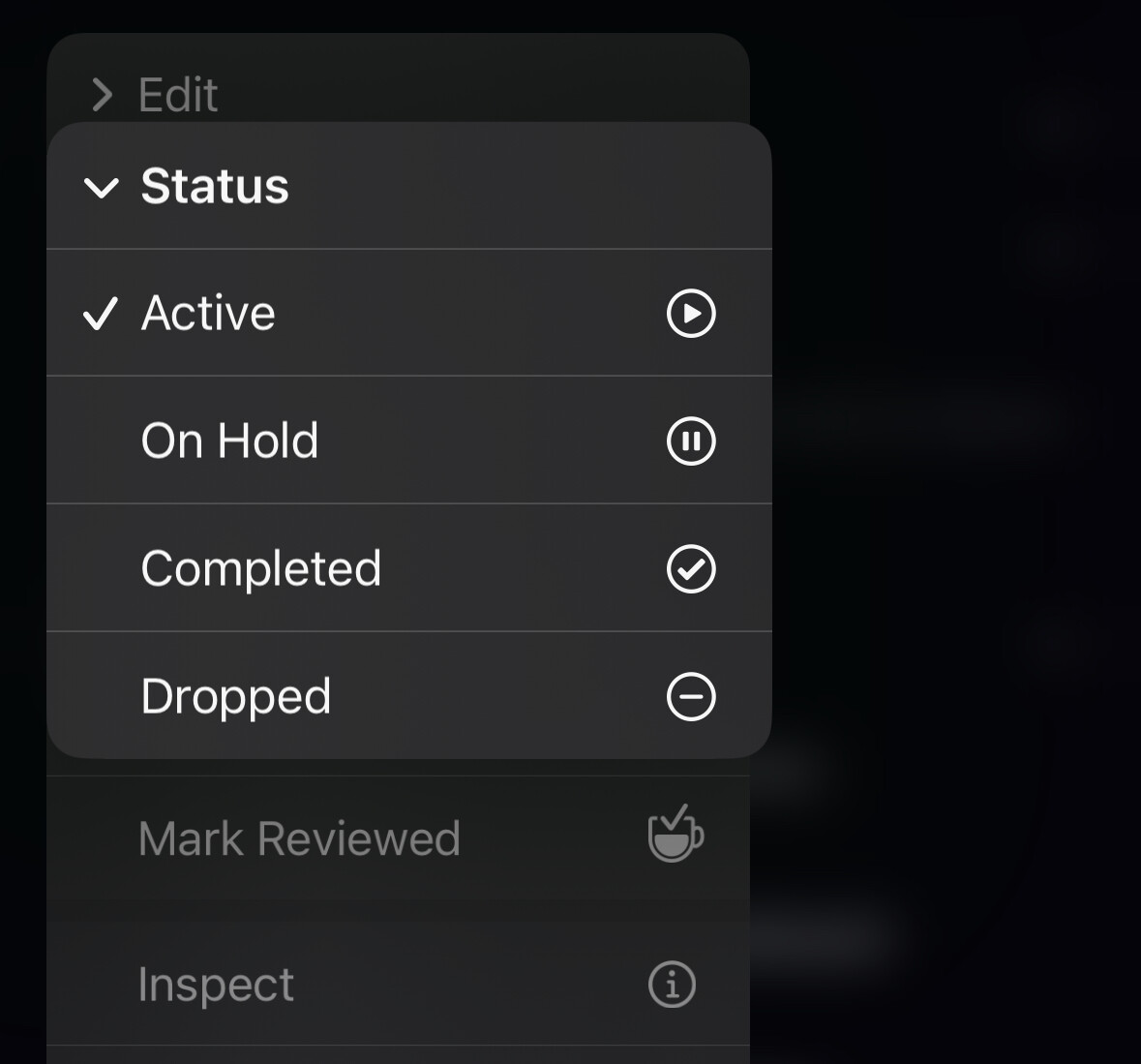
I’m trying to resist the call back to OmniFocus. I used it for over 10 years before moving to Things where I’ve been for a few years. I love the design of Things, but I miss the ability to put a project on hold and have it hidden from view, but I always knew that it would come back to me at some point during the weekly review with the review feature. My ritual of reviewing projects on a Sunday afternoon has rather fell by the wayside since I moved to Things as there is no badge count to tell me that I have items that have come up for review. The release of OF4 has also had me looking at the stock Reminders app again too. It’s so close to being something that I could also move to, it excels at capture and as a visual person I love that they’ve added the board view, but no defer date kills it for me at the moment.
OmniFocus is damn near perfect in its functionality, but the design still feels very clunky and dated.
There’s projects statuses in OmniFocus. Putting something on hold can hide it in the sidebar. In Things I end up with a huge list of stuff in each of the sidebar areas.