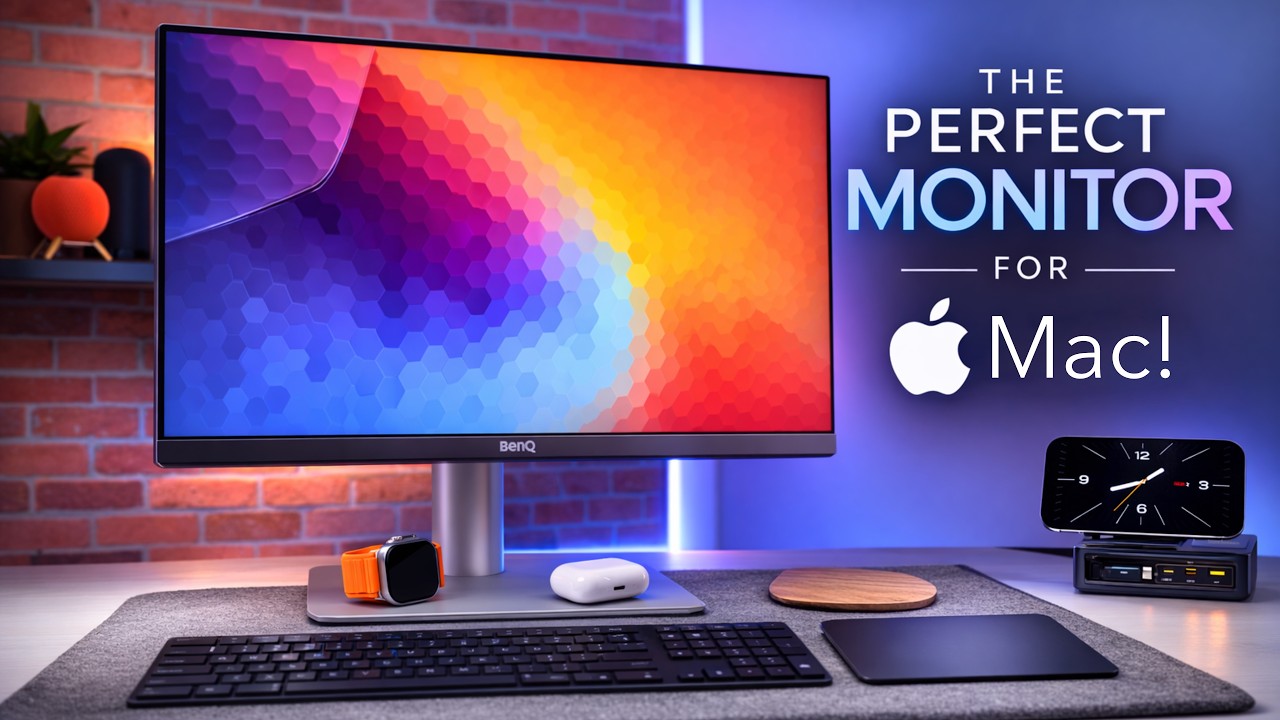
I was happy to see that the new Studio Display is finally here! I’ve been holding off for years on buying one, hoping a revision was just around the corner.
After going back and forth (probably more than necessary ), I’ve decided to go with the standard glass + tilt-and-height-adjustable stand.
I briefly considered the nano-texture option, but ultimately decided it isn’t necessary for my office setup. I also very briefly looked at the Studio Display XDR, but for my use cases, the value proposition doesn’t justify the significantly higher price.
I’ll be placing my order at 06:15 PST tomorrow (March 4) and expect it to arrive next week.
Anyone else planning to order a Studio Display for the first time…or upgrade from a first-generation model?
I’m still happy with my OG Studio Display actually. Mine has the VESA mount that I absolutely love. It takes no desk space and is super flexible to move around.
Congrats on your new monitor, I’m sure you’ll be very happy with it!
I don’t plan to upgrade. Since the panel appears to be the same one used in the previous model, I don’t expect any improvement in image quality. I recently paired my Apple Studio Display with a 27-inch Dell monitor that cost nearly 1/6 the price; after some calibration with the BetterDisplay app, the Studio Display’s image quality doesn’t feel vastly superior for everyday use. While I still appreciate the 5K panel for photo viewing and editing, the Dell handles general tasks remarkably well for the price.
I’m still using a Dell P2715Q monitor that I purchased way back in 2016. It’s been a great monitor and is still going strong after all these years. Definitely got my money’s worth!
Assuming it’s like the outgoing generation, no, you can’t do it yourself. I’ve heard rumors that it can be replaced at the Apple Store. They effectively replace the whole back panel for a good chunk of money. But please check the facts.
I upgraded from a Dell U2715 to a Dell U3223QE as I was hoping the larger screen would fit a Zoom / Teams conference window and, say, a document window like PDFs or a browser along side each other.
Since what I do is mostly reading / writing text, there is no way I can justify the Apple Studio expense.
The Dells are very clear and crisp. No complaints there. I don’t do any pro or semi-pro photo editing or video product. So very happy to recommend the Dells.
Although my late 2012 27" iMac screen still feels prettier. Pity the computer itself was getting too flaky on the running software side.
It is the Dell S2725QC 4K monitor. It has a couple of nice features, including USB-C and USB-A ports available at the front of the monitor and a refresh rate of 120Hz, which helps reduce eyestrain.
I also had a Dell P2715Q monitor that I bought in 2015. I gave it to friend recently and then realized that a second monitor is crucial if you need to read documentation and AI chats while coding. I stuck with Dell because of my good experience with the P2715Q monitor.
I’m currently on a 35" ulrawide but would like even more space.
I’m currently looking at the hires Dell U4025QW, 40". I really miss the Retina density on my Benq. :-/
With that said:
I love the quality of Apple’s monitors but I need a bigger monitor to justify those prices. Besides, I’m only doing “IT stuff” on my Mac, so I really don’t need the extra plus plus picture quality.
I feel this. I have a 2014 27 inch. I just cant let it go. I saw a way of converting into just a monitor, but feel it is beyond me. Such an extraordinary waste of a brilliant monitor.
Great value, and two 27" next to each other is a great thing. At least until you have been getting used to one ultrawide monitor (I’ve been working with ultrawide for ten years now and I can’t get back to a normal monitor)…
Is your ultrawide monitor curved? If yes, does that help prevent distortion when looking at the far outside edges? (Or, if not, is there any angle-distortion when looking at the far edges?)
I’m looking forward to picking up one of the new XDR displays at some point, but I’m reticent to update my production Mac to Tahoe, which appears required to use the display. Still rocking Sequoia or whatever last year’s was, and while it’s not my favourite macOS release of all time, it’s definitely preferable to Tahoe.
 ), I’ve decided to go with the standard glass + tilt-and-height-adjustable stand.