Hi everyone,
I’d like to drop a post about a problem I managed to solve recently.
I switched to macOS not that long ago. I started using Spaces heavily. And one thing began to annoy me very quickly. I wanted Spaces to work like separate rooms. One for programming. One for communication. One for writing. One for research…
But macOS doesn’t really help with this: I click Safari and suddenly I’m teleported to another desktop. The Dock shows apps from everywhere. Window switchers mix all contexts together. After a while, Spaces start leaking into each other, leaving me drowning in a mess.
I saw plenty of apps that propose navigating this chaos through fancy previews and thumbnails. Maybe I’m weird, but I don’t want better ways to navigate chaos. I want less chaos!
So I built a small menu bar app for myself. Its goal was to isolate workflows into Spaces and let me navigate through their content in a simple but effective way.
I built several features into it:
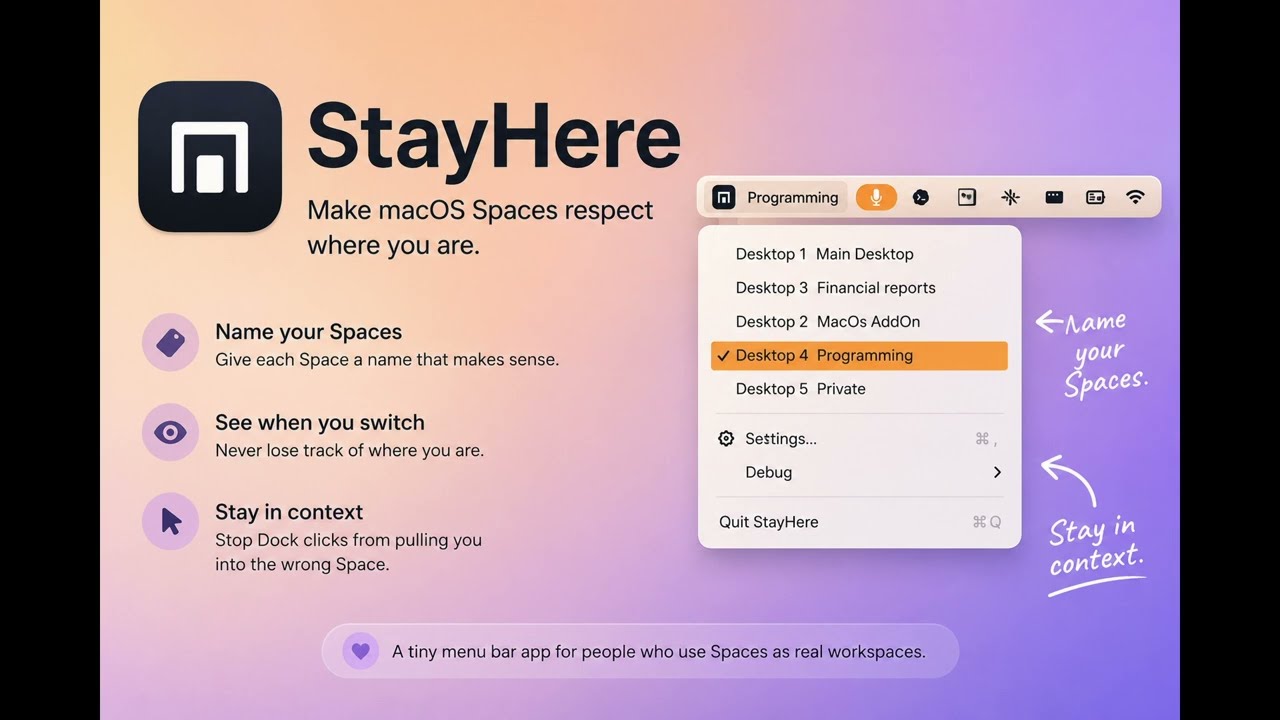
- meaningful names for Spaces, such as Work, Writing, Calls, or Programming
- the current Space name visible in the menu bar;
- a small popup whenever the active Space changes, so you always know where you are;
- more predictable Dock clicks, preventing them from teleporting you to another Space where the selected app is already running;
- opening a new application window in the current Space whenever possible;
- window switchers scoped to the current Space, making navigation simpler and less distracting.
You can see it in action below. Just click the image to see a demo:
I made both the source code and the app itself available for free here:
I’d appreciate any feedback on my work.  I’m still wondering if it’s worth continuing.
Thanks for reading!
THA
–
A small disclaimer
Unfortunately, since I do not make any profit from it, I cannot afford to notarize it yet. Especially since I don’t know if anybody will like it or if it even makes sense to keep going. This means macOS will show a warning, and you will have to accept it manually. In the README, I left a link to instructions explaining how to bypass this.
Still concerned about safety? No need to trust me - the code and build process are public.

