If you plan to store the scanned documents in Apple Notes, then it isn’t any better. But I just had a situation where I wanted to scan and send some tax documents to my accountant. I didn’t want to save the files in Apple Notes, so SimpleScan was perfect for this.
In the past, I did use Apple Notes for this, but then had to go back and delete the Notes after I was done. Not a huge thing, but I like not having to clean up after scanning.
Thank you for sharing. I didn’t know that… that’s very useful for me as I’m mostly filing receipts and scanning documents for reading - both of which end up in a folder.
The OCR of the native Apple scanner is impressive; I’d always assumed it was a function of the Notes app.
I really like this app, and I’ve splashed out for a lifetime license. I’ll still use Adobe Scan when I need high quality and to save to their cloud, but the workflow of this is much better, so for most scans, this will be my go-to!
I’ve peeked at this thread but I have almost no use for a scanning app. I used to a long time ago but if I’m scanning something, it’s mostly to grab the actual text and copy it somewhere else. Or, if I need a full pdf for archival purposes, I use my ScanSnap.
Today, I was in another office and I needed to scan a couple of documents. I remembered that I had 5 free scans so I tried it. The fact that I didn’t even have to think about configuring anything and that all I really had to do was hit the scan button was really impressive. No wonder this thread has 71 replies and counting.
I’ll probably wait to buy because again, I have very little use for the app. But when I do need it, I’ll have to make the spot decision on whether to get the yearly or lifetime option.
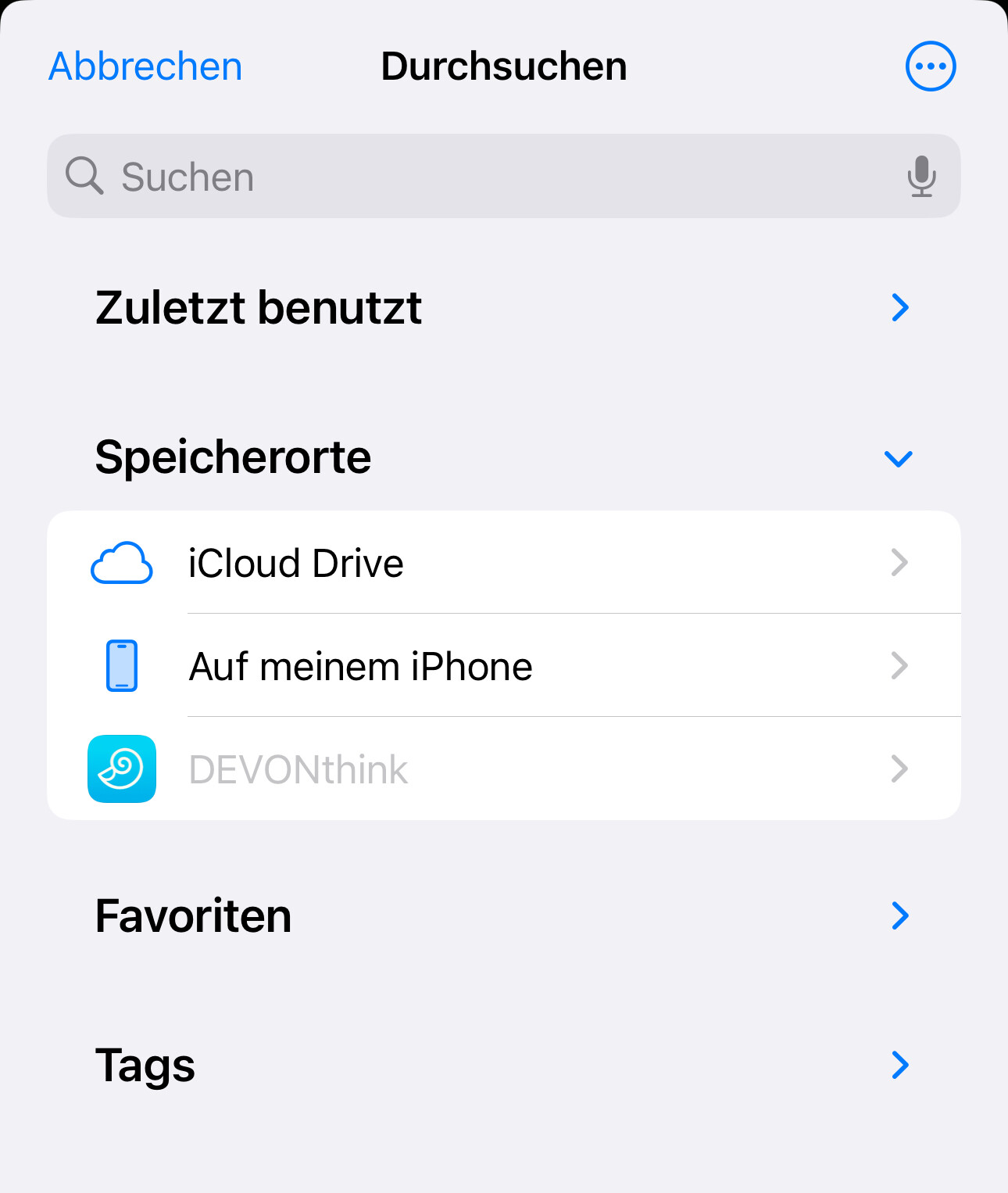
So can this app scan directly into DTTG? That’s one feature I regularly miss from DTTG and if SimpleScan could fill that gap it would be cool - I still to this day struggle with the library thing of ScannerPro
The workaround for the time being would be to set Simple Scan to ‘Share’ action and then share to DTTG inbox. It’s just two taps more (selecting DTTG and tapping OK).